Mon–Sat · Same-day available Franschhoek & the Cape Winelands
Home/DSTV Decoder Setup

DSTV Decoder Setup in Franschhoek

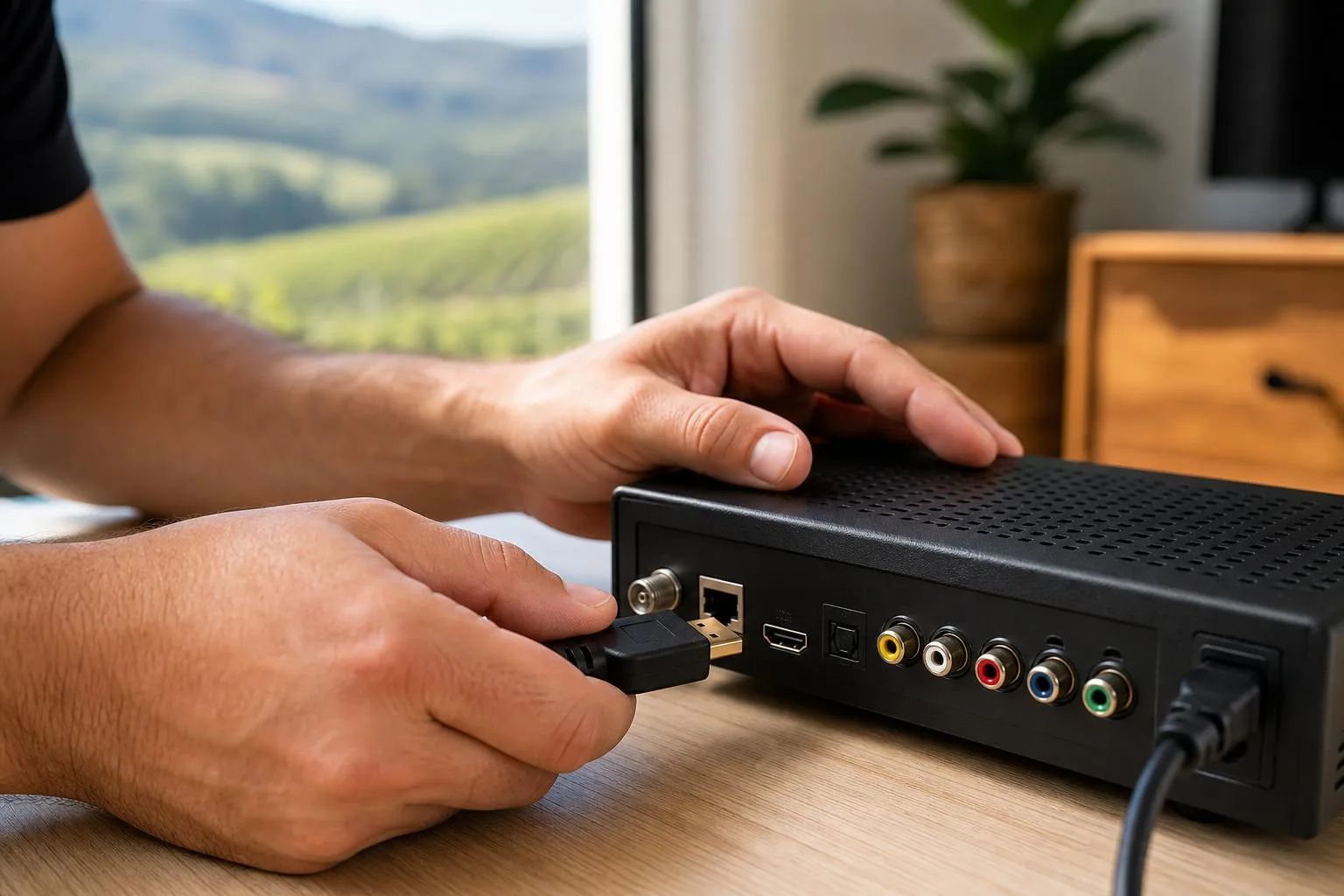
Professional connection, activation and channel-scan for every DSTV decoder: HD, Explora and Explora Ultra. We pair the remote, activate your smartcard, configure audio and parental controls, and walk you through the basics so you're up and running the same day.

DSTV Decoder Setup

Brought a new DSTV decoder home and need it set up properly? We connect, configure, scan and test HD decoders, Explora and Explora Ultra units across Franschhoek, Paarl and Stellenbosch: including remote pairing, channel activation and a basic demonstration so you know how to use every feature.

Which decoders we install

We work with the full DSTV decoder range, HD PVR, the standard HD Decoder, Explora 2, Explora 3 and the Explora Ultra. Each one connects slightly differently: standard HD decoders take a single satellite cable, Explora units use a Smart LNB and a single-cable solution, and Explora Ultra adds an internet connection for Catch Up, BoxOffice and Showmax integration.

We bring all the connectors, HDMI cables and adapter pieces we need, so even if your TV is older or your wall plate is non-standard, we can connect everything cleanly. We also handle decoder swaps: if you've upgraded from HD to Explora and need the old decoder cleanly removed and the new one configured to take over the subscription, we do that in one visit. For homes that want a second or third decoder linked under the same account, see our Extra View / XtraView setup.
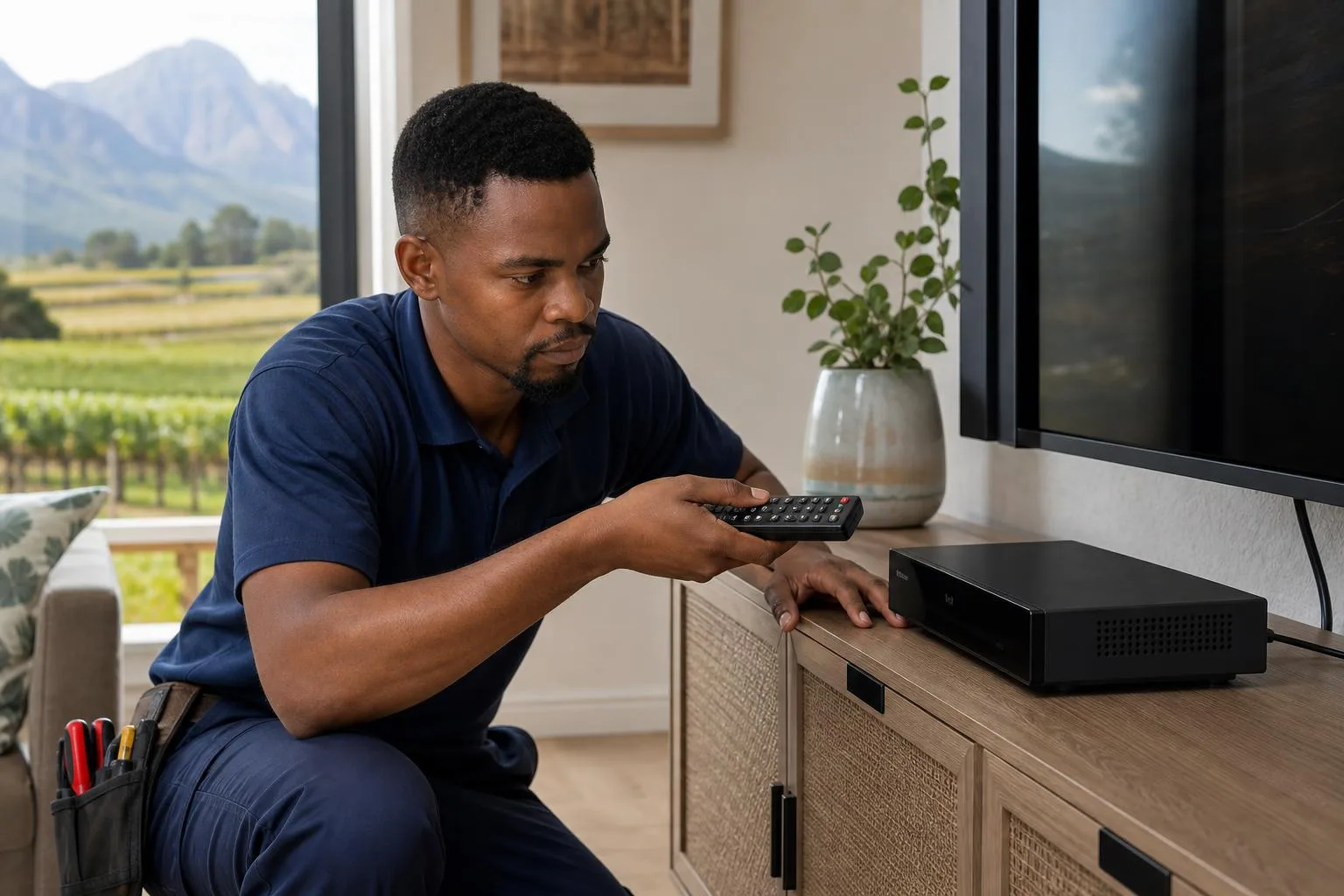
DSTV technician pairing remote control with new decoder

What's included in a decoder setup

A proper decoder setup includes connecting the decoder to your dish input and HDMI to the TV, powering on, pairing the remote, scanning for satellites and channels, activating the smartcard with the MultiChoice subscription if required, configuring your audio settings, setting up parental controls if you have small children, and pairing the internet connection on Explora Ultra units for Showmax and Catch Up. We then run a short demo so you know how to use the EPG (channel guide), record, pause live TV and search for content.
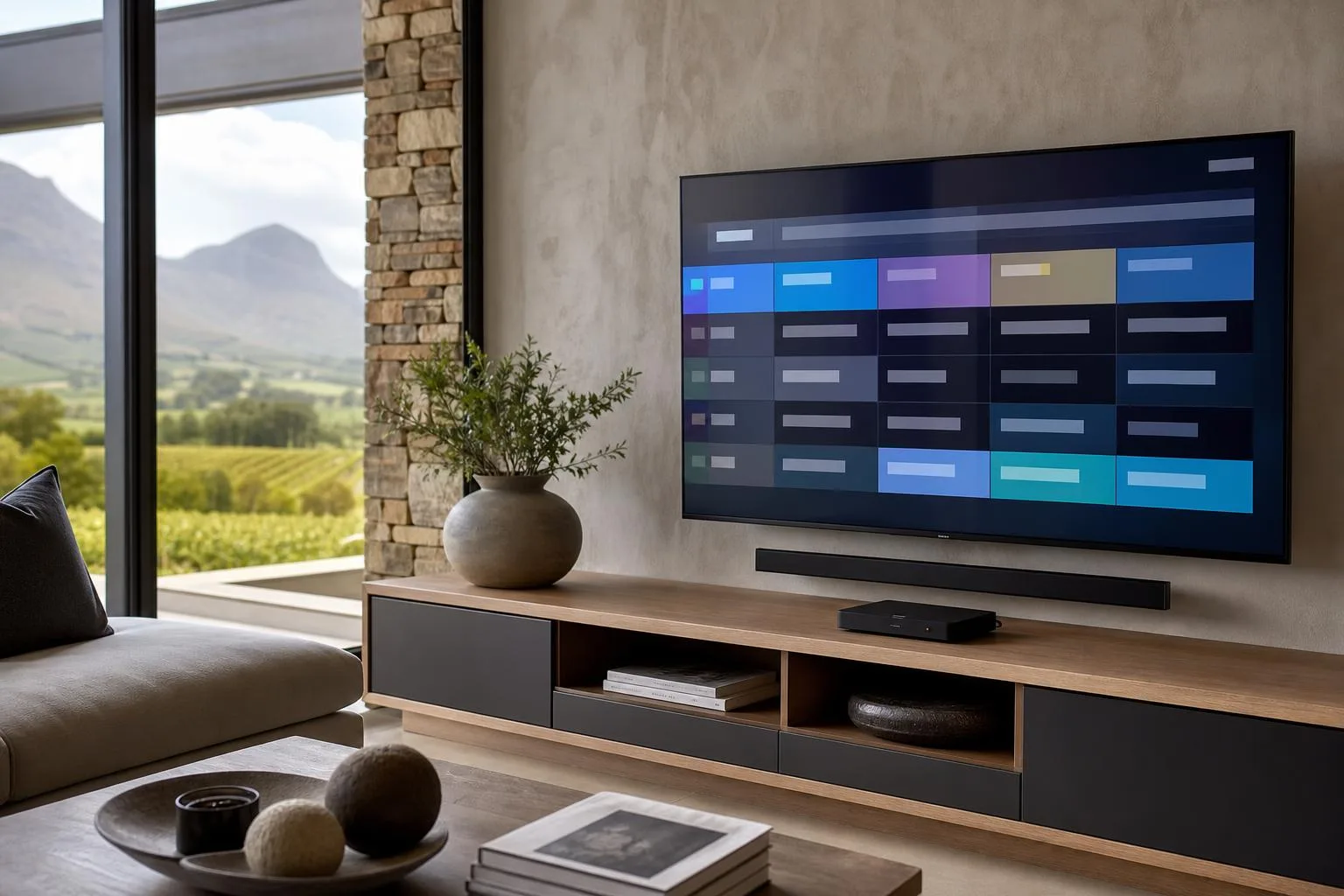
DSTV channel guide loaded and tested on a connected TV

Common decoder problems we fix

If your decoder is showing E16, E48-32 or 'no signal', the fault is almost always on the dish side rather than the decoder itself, but we'll check both. Most of those calls end up being DSTV signal repair jobs once we trace the fault. We also handle decoders that won't pair with the remote, decoders that show only part of the channel list, smartcard activation issues and audio sync problems. Most of these are 15-minute fixes once you know what you're looking at: call or WhatsApp 079 754 5527 or request a callout here.
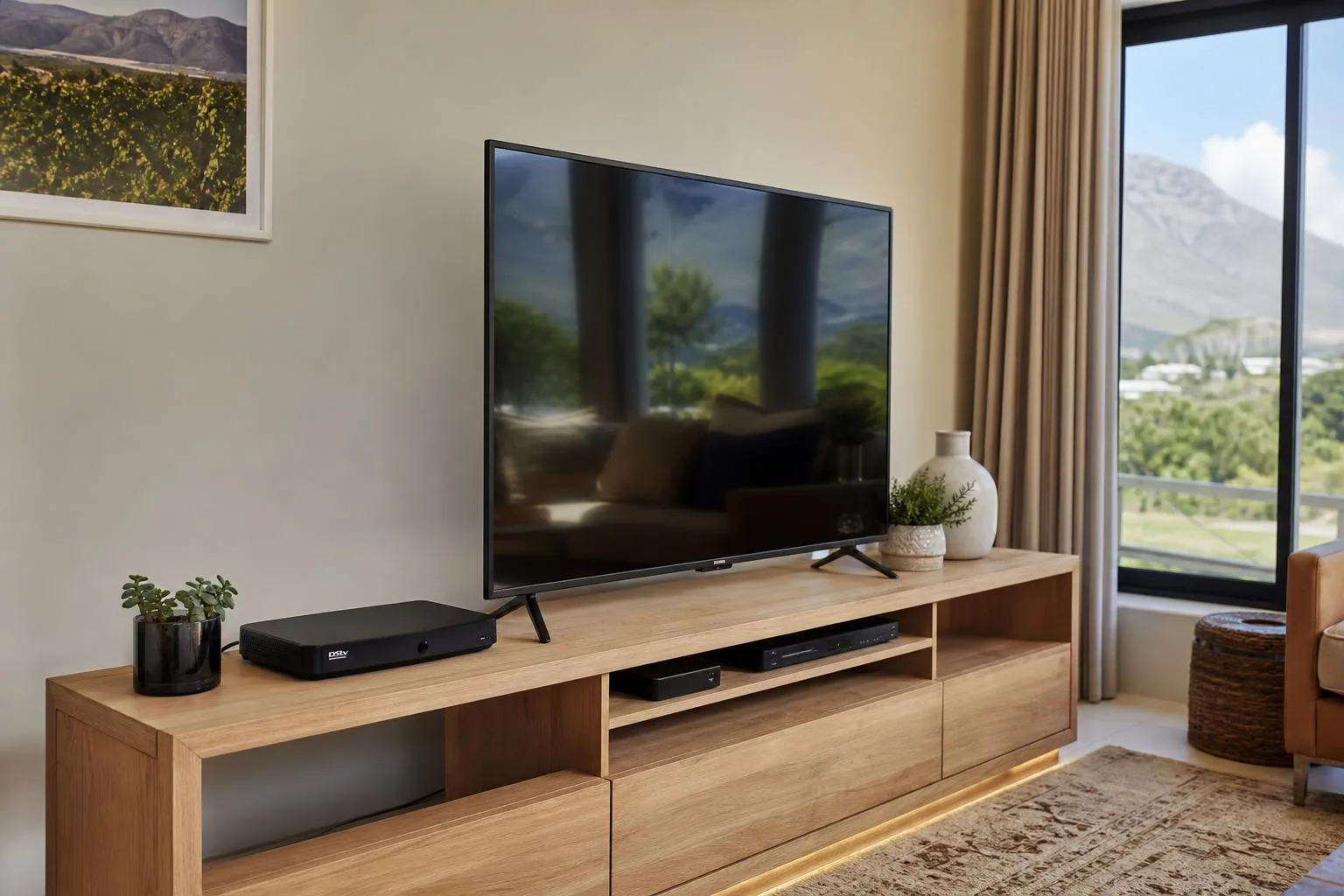
Decoder connected via HDMI to a flat-screen TV in a living room

What's included

Every job is tested and signed off before we leave.

Decoder connection
Remote setup
Channel activation assistance
Signal testing
HDMI / AV connection
Basic demonstration

Get a free quote

Prices depend on equipment, TV points, cabling & access, we'll quote upfront.

Request A Free Quote

What affects the cost of a decoder setup

A decoder setup can be twenty minutes or half a day, depending on what you are starting from. These are the factors that change the quote.

Which decoder

An HD decoder is the quickest to configure. Explora and Explora Ultra need a Smart LNB and an internet connection to work fully, which adds steps.

The state of your account

A brand-new smartcard activation, a swap onto an existing subscription and a reconnection after a long lapse are all different jobs on the account side.

Your existing dish and LNB

If the dish is misaligned or the LNB is the wrong type or has failed, that has to be sorted first. A decoder cannot fix a signal problem upstream of it.

Cabling and connections

Old coax, corroded connectors or a missing HDMI run to a wall-mounted TV all add materials and time.

Internet setup

Getting an Explora online for Catch Up and Showmax can mean an ethernet run or an access point if WiFi does not reach the lounge reliably.

Extra rooms

Adding a second decoder, or linking decoders for multi-room viewing, turns a simple setup into a multi-point job.

For what the hardware itself costs before installation, see our guides to DStv decoder prices and retail decoder prices at Pep, Game and Makro.

Decoder problems we get called out for

Many decoder callouts turn out to be setup or signal issues rather than a dead decoder. These are the ones we see most.

  • Decoder will not turn on, or sits stuck on standby and never boots
  • Smartcard errors such as E141-4 after a swap or a lapsed subscription
  • Remote not pairing, or working for volume but not for the decoder
  • No picture at all because the TV is on the wrong HDMI input or the cable has failed
  • Channels missing after a scan because the package or signal is not what the decoder expects
  • Decoder itself fine, but the picture breaks up because signal quality upstream is poor

What to expect on the day

  1. We check the signal first. Metering the dish before touching the decoder saves you paying for a decoder job that was always a dish problem.
  2. Decoder connected. Unboxed, connected to the dish input and to the TV over HDMI, and powered through surge protection where appropriate.
  3. Smartcard activated. Card paired to the decoder and activated on your account, then we wait for the authorisation to come through before moving on.
  4. Full channel scan. We run the scan and confirm every channel your package includes is actually loading.
  5. Internet and extras. Explora connected to your network, remote paired, and any recording or multi-room options configured.
  6. Walkthrough. We show you the basics, including how to re-scan and what the common error codes actually mean.

Typical time on site: a straightforward decoder swap or setup is often under an hour. Allow two to three hours if the dish or LNB needs attention first, or if an Explora has to be got online.

Good to know

DSTV Decoder Setup FAQs

Which DSTV decoders do you install and set up?+

We install and set up all current DSTV decoders, Explora, Explora Ultra, single-view HD and SD decoders, and multi-decoder Extra View combinations.

Can you set up a decoder I already bought?+

Yes. We install customer-supplied or brand-new decoders, activate the smartcard with MultiChoice, pair the remote and test every channel before we leave.

My decoder shows “no signal” or an E48-32 error, can you fix it?+

Yes. We diagnose whether the cause is dish alignment, the LNB, cabling or the decoder and repair it on the spot. See our DSTV signal repairs service.

Can you transfer my subscription to a new decoder?+

Yes. We swap the smartcard and handle the MultiChoice activation so your channels and subscription move across to the new decoder.

Do you set up Catch Up and Showmax on the decoder?+

Yes, on internet-compatible decoders we connect them to your Wi-Fi and set up Catch Up, Showmax and the apps.

How long does a decoder setup take?+

If your dish and signal are already healthy, decoder setup usually takes 30–90 minutes.

Ready to book your Decoder Setup?